RiderInstinct Editorial Team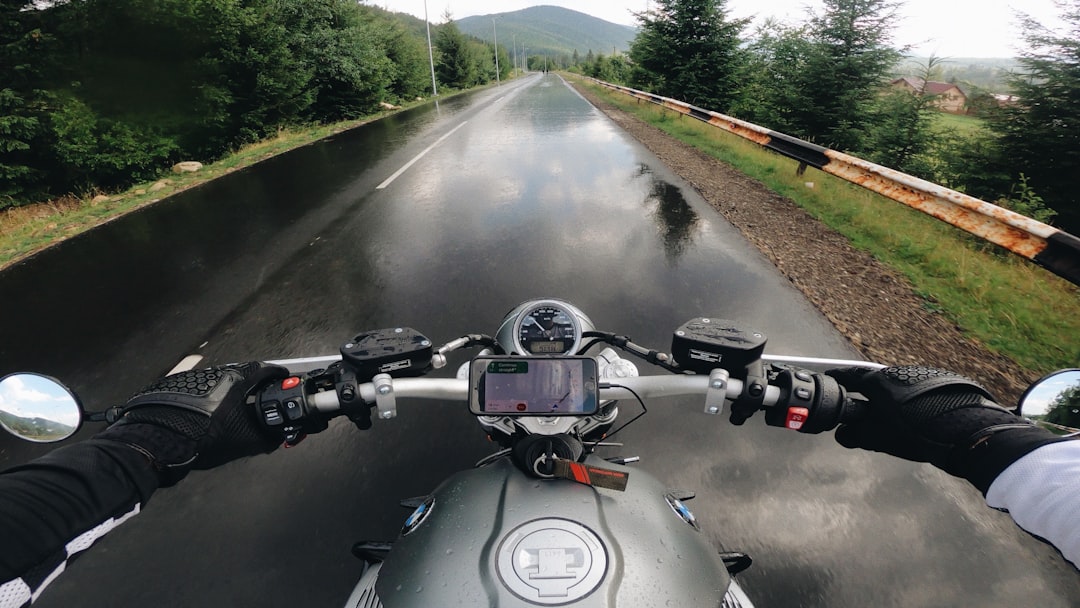
Why navigation matters for riders — a practical framework
Navigation on a motorcycle is about more than just finding a destination. For riders, a navigation system affects safety, route enjoyment, fatigue, and trip reliability. Before shopping, use this short decision framework to clarify your priorities:
- Purpose: commuting, day trips, weekend twisty rides, multi-day touring, or off-road/remote travel?
- Environment: urban congestion, long highway stretches, or unpaved tracks where cellular coverage is unreliable?
- Attention budget: do you want turn-by-turn voice prompts or a glanceable breadcrumb trail to minimize looking down?
- Budget and lifecycle: how long do you expect to keep the unit or phone mount, and how much will you rely on it?
Answering these helps you decide between a smartphone with a good mount, a compact dedicated unit, or a motorcycle-focused GPS navigator with hardware and software geared for riders. For a deeper look at matching device types to riding style, see our buying guide: How to Choose the Right GPS & Navigation for Your Riding Style.
Smartphone vs dedicated motorcycle GPS: trade-offs and real-world considerations
Both approaches work well if you understand the trade-offs.
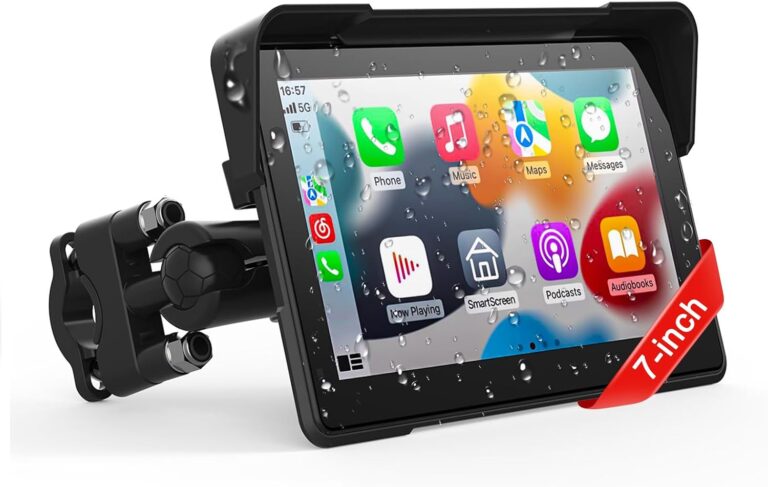
Smartphone navigation pros: excellent maps (Google/Apple/OpenStreetMap-based apps), frequent updates, low cost if you already own a phone, easy route sharing, large app ecosystem. Cons: display visibility in bright sun, battery life, mounting reliability, and durability in rain or vibration unless you choose a rugged mount and protective case.
Dedicated motorcycle GPS pros: designed for sunlight readability and vibration, better glove-friendly controls, integrated mounting accessories, and features like dedicated motorcycle modes (avoid motorways, prefer twisties), off-road/topo maps, and weather resistance. Cons: higher upfront cost, potential vendor lock-in for maps, and fewer third-party apps.
If you’re choosing between specific models, comparison reviews can help—see our Beeline Moto II vs Garmin zūmo XT2 comparison for an example of how compact and full-featured units differ in features and intended use: Beeline Moto II vs Garmin zūmo XT2.
Important: don’t assume any device is waterproof, vibration-proof or electrically safe for permanent installation—always verify manufacturer IP ratings, mounting compatibility and power wiring guidance before installation.
Mounting and power: the invisible system that determines reliability
A good mount and reliable power supply are more important than the brand of the navigation app. Consider three things: mechanical security, electrical safety, and accessibility.
Mechanical security: choose mounts specifically rated for motorcycles rather than generic phone holders. Options include handlebar clamps, triple-clamp mounts, mirror- or fairing-mounted brackets, and dedicated OEM accessory mounts. Use anti-rotation plates, vibration-damping inserts, and lockable mounts when possible.
Electrical safety: for dedicated units or permanently wired chargers, run power from an accessory circuit or directly from the battery using an inline fuse. If you’re not confident with wiring, use a professional shop. Verify the bike’s accessory fuse rating and the device’s input voltage/current specs with the manufacturers before splicing wires—do not guess or rely on approximate numbers.
Accessibility and ergonomics: place the screen where you can glance safely without compromising grip or visibility. Consider wind and sun angles: what’s easy to read at 10 a.m. might be unreadable at 2 p.m. Check that the mount doesn’t obstruct instrumentation or block cables.
Always torque mounting bolts to the motorcycle manufacturer’s specifications. If you don’t have those numbers on hand, consult your service manual or a dealer; incorrect torque is a common cause of failures or damage.
Maps, routing styles and offline use: planning for where you’ll ride
Maps and routing logic determine the riding experience. Decide whether you need live traffic avoidance, offline navigation, turn-by-turn lane guidance, or topographic maps for off-road sections.
- Online maps (cellular): offer live traffic, rerouting, and the latest POIs. They rely on a stable data connection—fine for urban or highway touring.
- Offline maps: essential when coverage is poor or nonexistent. Make sure the device supports offline map downloads and that you know how to update those files before a trip.
- Routing styles: shortest, fastest, scenic/twisty, or custom GPX routes. If you like pre-planned twisty rides, confirm the system supports GPX import/export and follow routes accurately.
- Specialized maps: topo and off-road maps can show trails and elevation useful for adventure riding; check that the vendor provides those maps or that the device accepts third-party map files.
Before a long ride, export or cache maps and routes. Test a route in a local area to learn how your unit handles deviations, reroutes, and complex intersections.
User interface, controls and helmet audio: keeping your eyes on the road
Navigation must be glanceable. Consider display size, readability with gloves, and how you’ll get instructions while riding.
Display and controls: physical buttons are often preferable under gloves and in rain; touchscreens are convenient but can be hard to use with thick gloves or wet fingers. Some motorcycle GPS units combine both. Check whether the unit supports glove mode or has button alternatives.
Helmet audio: voice prompts routed to a Bluetooth intercom or helmet speaker are the safest way to receive directions without looking down. Verify the device’s Bluetooth profiles for audio (A2DP, HFP) and intercom compatibility. If you use an intercom—ensure stable pairing and test voice prompts with your helmet at speed; wind noise can mask spoken directions.
Hands-free route entry: voice input can help when stopped at a light, but for safety set destinations while stationary and use voice or quick-recall favourites if you need to change the route on the road.
Planning rides, sharing routes and group navigation
A navigation system is only as good as your planning workflow. For group rides or multiday tours, standardize on file formats and tools to avoid confusion.
- Export/Import GPX or KML: these formats let you share exact routes between riders and devices. Confirm that everyone’s unit can import the file type you intend to use.
- Leader/follower vs. turn instructions: leader/follower setups (breadcrumb trails) can be simple but unforgiving—if someone deviates, others must backtrack. Turn-by-turn shared routes with voice prompts are easier for groups to stay together.
- Staggered departures and checkpoints: plan rendezvous points and use waypoint names that everyone understands (not just coordinates).
- Test compatibility: before a big trip, do a short local run to confirm that routes, voice prompts and remappings behave the same across all riders’ devices.
Good planning reduces the risk of stranded riders and improves group safety—don’t assume feature parity across brands without confirmation.
Security, trackers and theft prevention
Navigation doesn’t stop when you park. Consider how devices and the bike itself will be protected.
For navigation devices: remove detachable units when leaving the bike, or use a lockable mount if you intend to leave a device on the bike. For phones, always take them with you.
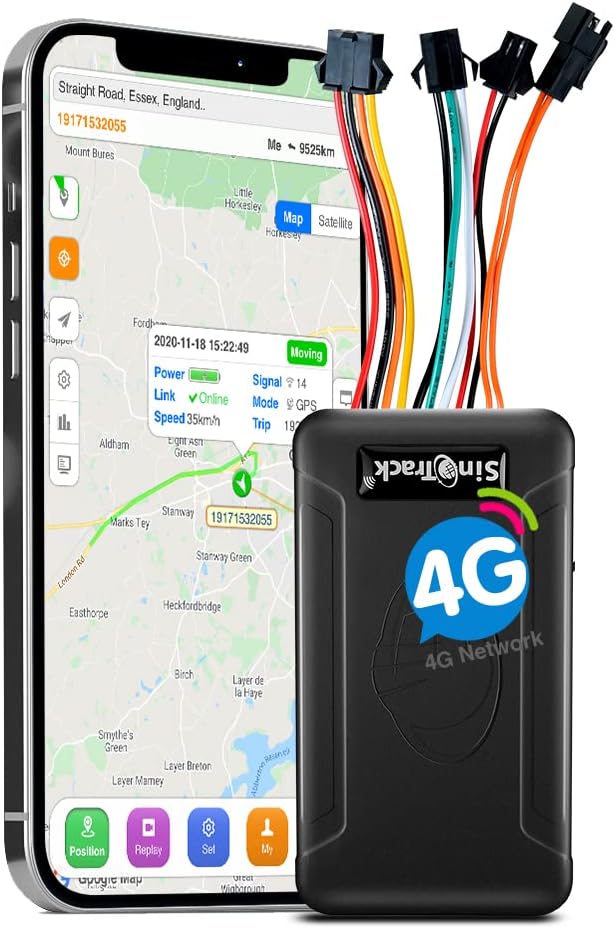
For the motorcycle: hidden GPS trackers can aid recovery if stolen. We’ve reviewed several compact trackers—consult the specific product details and service model (some require ongoing subscriptions). See our tracker coverage for examples: SinoTrack ST-901L and SinoTrack ST-907L.
Note: trackers vary in power needs, reporting frequency and legal/privacy implications. Verify the tracker’s power method (battery vs wired), reporting service and any subscription required before buying. For insurance or legal advice related to theft recovery, consult your insurer or local authorities—this guide does not give legal or medical advice.
Maintenance, updates and troubleshooting in the field
Routine maintenance prevents many navigation failures. Keep these tasks on your checklist:
- Update maps and firmware: before long trips, update device firmware and map data while you have a reliable internet connection.
- Test backup power: verify that wired power systems charge the unit and that any USB cables are intact. Replace cables that show wear.
- Check mounting hardware: inspect bolts and damping inserts for loosening or fatigue; retorque to manufacturer specs when cold.
- Troubleshooting GPS fix issues: verify that the device has a clear sky view, toggle GPS off/on, and confirm no magnetic interference from accessories. If the receiver loses accuracy, check for firmware updates or cold-start the unit per the manual.
- Offline contingency: always carry a paper map or downloaded GPX files if you’re traveling in remote areas—the best navigation electronics can fail.
When in doubt about a safety-critical repair or electrical connection, consult a mechanic or authorized dealer rather than improvising on the roadside.
Accessories that matter (and ones you can skip)
Spend on the things that improve reliability and safety; be cautious with gadgets that add complexity without benefits.
- Must-haves: a vibration-rated mount, a good quality USB or device-specific power cable, an inline fuse for permanent wiring, and a screen protector or replacement cover for rugged devices.
- Highly recommended: a Bluetooth intercom or helmet audio system for voice prompts, and a small waterproof pouch or case if you carry a smartphone exposed to the elements.
- Optional: solar charging panels and power banks can be useful on epic adventures but carry weight and add complexity—test them before relying on them for navigation power.
- Usually unnecessary: flashy mounts or oversized screens that obstruct sightlines. Bigger isn’t always better on a motorcycle; prioritize placement and readability over raw size.
Choose accessories that are serviceable and that you can troubleshoot in the field—avoid single-vendor ecosystems that leave you without options if a vendor discontinues support.
Putting it all together: a practical pre-ride checklist
Before you head out, run this checklist so your navigation won’t be the weak link on the trip.
- Verify device mount is secure and bolts are torqued to spec.
- Confirm battery/charging system is functioning and cables are in good condition.
- Download or cache maps and import GPX routes if traveling offline.
- Pair the device with helmet audio/intercom and test voice prompts at riding volume.
- Export or share routes with the group and agree on rendezvous points.
- Carry a basic backup (phone, power bank, or printed map) for emergencies.
- Check tracker status (if installed) and note any subscription details or recovery contacts.
These steps take minutes but prevent a lot of frustration and unsafe behavior on the road.